
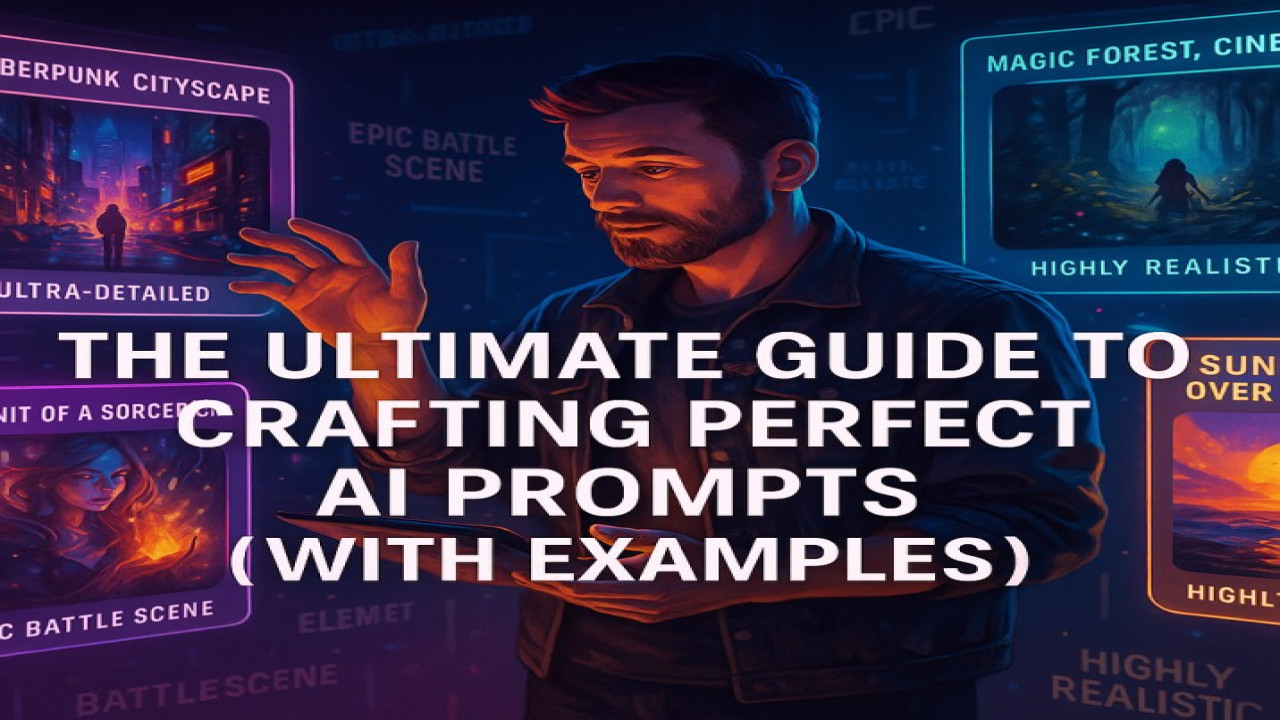
The Ultimate Guide to Crafting Perfect AI Prompts (With Examples)
🎨 Introduction: The Art Behind the Words
Behind every breathtaking AI image lies one thing — a powerful prompt.
Writing prompts is not just typing random words; it’s an art form that guides the AI to understand your vision.
In this guide, you’ll learn how to craft perfect prompts that consistently create professional, vivid, and meaningful AI art — just like the best creators on StyonArt.
💡 1️⃣ What Is a Prompt?
A prompt is the text you give to the AI to describe what you want it to generate.
It’s your creative blueprint — every detail matters.
For example:
❌ “A cat.” → Too simple.
✅ “A majestic white cat sitting on a marble throne, cinematic lighting, ultra-realistic style.” → Clear, rich, and visual.
Your goal is to give the AI both context and emotion.
🧩 2️⃣ Structure of a Perfect AI Prompt
Think of a prompt like building blocks:
[Subject] + [Action/Scene] + [Environment] + [Lighting] + [Style] + [Mood/Emotion]
Example:
“A cyberpunk samurai standing in neon rain, city skyline behind, cinematic lighting, ultra-realistic, moody atmosphere.”
💬 Each element refines your vision and improves the final quality.
🔮 3️⃣ Use Descriptive Language
Be specific and visual — the more vivid your description, the better the result.
Try including:
✔ Adjectives: vibrant, detailed, majestic, ancient, futuristic
✔ Art Styles: watercolor, digital painting, oil on canvas, 3D render
✔ Lighting Types: golden hour, neon, soft light, studio light
✔ Camera Angles: close-up, wide shot, aerial view
✔ Mood Words: mysterious, peaceful, dramatic, nostalgic
Example prompt:
“A woman reading a book in a magical forest at sunset, warm glow lighting, cinematic atmosphere, fantasy art style.”
⚙️ 4️⃣ Experiment with Models & Engines
Different AI models interpret prompts differently.
On StyonArt, you can experiment with:
🧠 Stable Diffusion 3.5 Large – for cinematic realism
⚡ FLUX Schnell / Turbo – for fast generation
🪄 DALLE 3 – for creativity and storytelling
🎨 Stable Diffusion XL – for detailed artwork
✅ Try the same prompt across multiple engines and compare results — you’ll quickly learn how each “thinks.”
🧠 5️⃣ Use Modifiers for Control
Modifiers help fine-tune how the AI interprets your vision:
| Modifier Type | Example | Effect |
|---|---|---|
| Lighting | “Cinematic lighting”, “Neon glow” | Sets atmosphere |
| Realism | “Photorealistic”, “Digital painting” | Adjusts style |
| Detail | “Highly detailed”, “8K texture” | Adds sharpness |
| Mood | “Melancholic”, “Joyful”, “Epic” | Changes emotion |
| Composition | “Centered”, “Rule of thirds”, “Symmetry” | Improves layout |
🧱 6️⃣ Common Prompt Mistakes to Avoid
🚫 Overloading with too many keywords — confuses the AI
🚫 Forgetting lighting or emotion — leads to flat results
🚫 Using negative phrasing like “not blurry” — instead use “sharp focus”
🚫 Ignoring model capabilities — some models don’t handle faces or text well
✅ Always test and refine. A perfect prompt often takes 2–3 iterations.
📘 7️⃣ Advanced Tip: Add Style References
You can emulate famous art movements or visual themes by including them directly:
“In the style of Studio Ghibli”
“Inspired by Van Gogh’s color palette”
“Digital art inspired by cyberpunk and Blade Runner”
StyonArt supports this flexibility, so you can blend artistic genres easily.
🚀 8️⃣ Practice Makes Masterpieces
The best AI artists didn’t become experts overnight — they practiced prompt building daily.
Try small changes: one word can completely change your image.
💡 On StyonArt, you can save, remix, and reuse your best prompts to speed up your workflow.
🧩 Conclusion: Your Words Shape the Future
Every word you write is a brushstroke for the AI.
Mastering prompts means mastering creativity itself.
🎯 Whether you’re creating portraits, landscapes, or fantasy scenes — the secret lies in clear, emotional, and structured prompts.
🌟 Start experimenting today on StyonArt.com — and turn your imagination into art that inspires the world.
Comments (0)
No comments found