
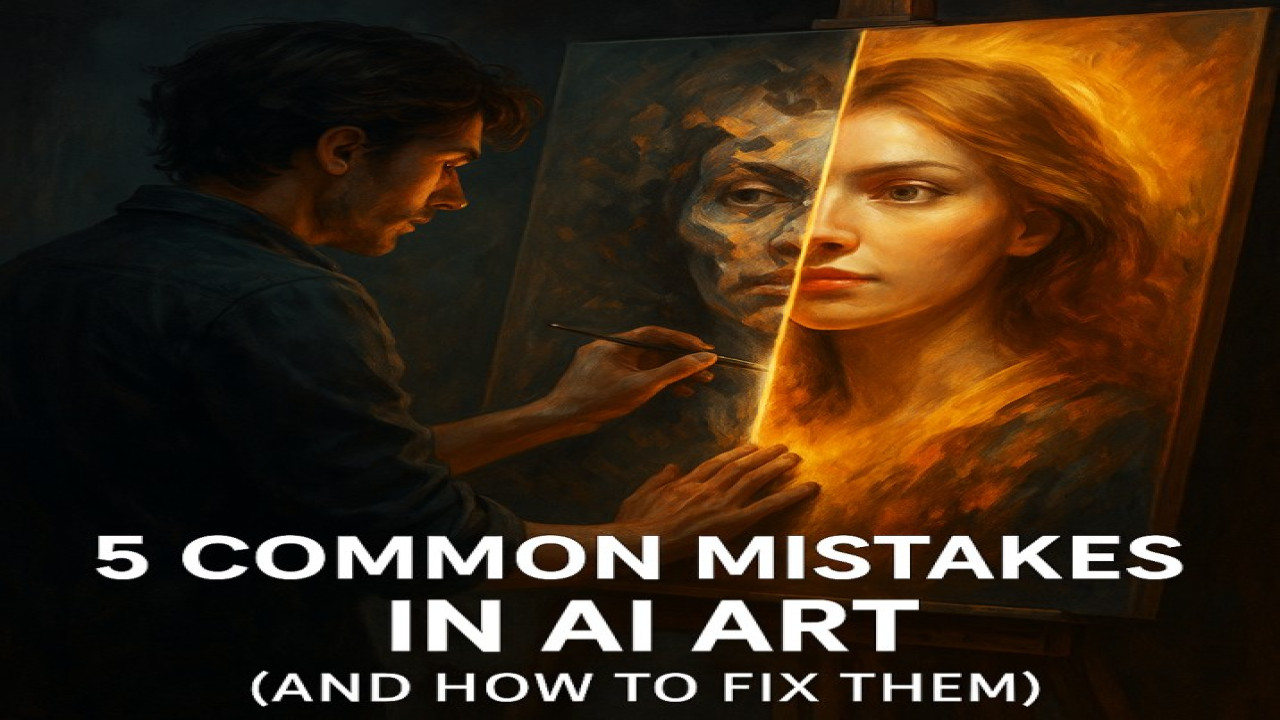
5 Common Mistakes in AI Art (and How to Fix Them)
🎨 Introduction: Everyone Starts Somewhere
Even the best AI artists began with awkward, blurry, or strange-looking images.
The good news? Every mistake you make while creating AI art is a chance to learn and grow.
At StyonArt, we’ve seen thousands of generated artworks — and we know exactly what separates an average image from a masterpiece.
Here are the 5 most common AI art mistakes and how you can fix them right now 👇
❌ 1️⃣ Writing Vague or Confusing Prompts
AI needs clear, descriptive guidance.
If your prompt is too short or unclear (e.g., “a person on the beach”), the model guesses — and the results look generic.
✅ Fix:
Use detailed prompts with context, mood, and style.
💬 Example:
“A cinematic portrait of a woman walking on a sunset beach, warm lighting, soft waves, realistic texture, 8K detail.”
💡 Tip: Describe what you see in your mind — not what you want the AI to understand.
⚡ 2️⃣ Ignoring Lighting and Composition
Bad lighting can ruin even the best concept.
If your image looks flat or unnatural, chances are the light source is inconsistent or missing.
✅ Fix:
Add lighting direction and mood to your prompt.
💬 Example:
“Backlit portrait with soft golden light, cinematic depth, realistic shadows.”
🧠 Light defines realism — always include it.
👁️ 3️⃣ Overloading Prompts with Too Many Details
Beginners often write extremely long prompts with 20+ concepts.
The result? A messy image where the AI doesn’t know what to prioritize.
✅ Fix:
Focus on 3–4 core ideas and refine your results step by step.
💬 Example:
Instead of one massive prompt, generate a base image first — then refine style, background, or emotion.
🌀 4️⃣ Forgetting About Style Consistency
Mixing too many styles (anime + realism + 3D + watercolor) can confuse the AI model.
Your artwork might look fragmented or overprocessed.
✅ Fix:
Choose one primary style — and mention it clearly.
💬 Example:
“Digital painting in cinematic style, soft focus, vibrant color palette.”
🎨 Consistency makes your art look intentional, not random.
🧍 5️⃣ Neglecting Anatomy and Proportions
AI models sometimes struggle with hands, faces, or body symmetry — especially if the prompt isn’t clear.
✅ Fix:
Use structure keywords like “balanced composition”, “accurate proportions”, or “symmetrical portrait.”
You can also correct small errors with image editing tools or re-generate with improved prompts.
💬 Example:
“Portrait of a man sitting cross-legged, realistic anatomy, symmetrical lighting.”
🌟 Conclusion: Every Mistake Is a Step Toward Mastery
AI art is a journey — and mistakes are part of the process.
By understanding these 5 common errors, you’ll create faster, better, and more professional results on StyonArt.
💡 Remember:
“AI doesn’t replace your creativity — it amplifies it. The clearer your vision, the better your results.”
👉 Start improving today on StyonArt.com — your creative partner in AI art mastery.
Comments (0)
No comments found